Sign Up For eStatements
Please Note: Customers must be enrolled in Online Banking to sign up for eStatements.
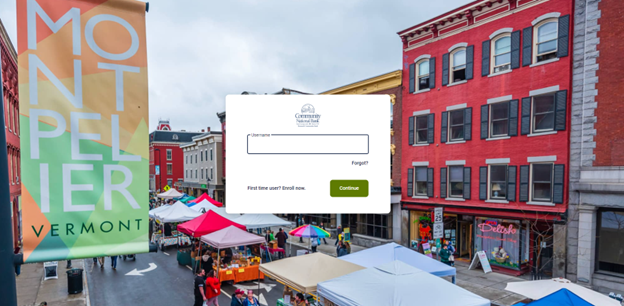
- Click the Online Banking Login/Enrollment button in the top right corner of our website. Or log into the CNB Mobile App.

- Sign in with your credentials.
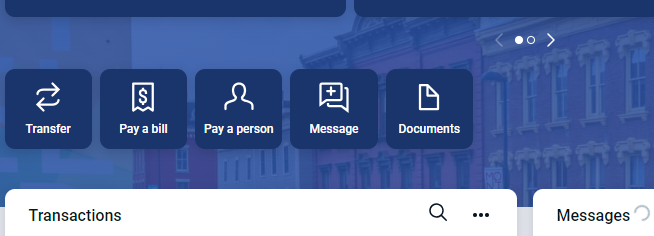
- Click the documents button located below your account(s) listing.
- Go to the tab that says Sign up/Changes.

- Check the boxes next to the accounts you would like to enroll in eStatements. If you want all accounts select the Enroll All Available Accounts and Documents Types Shown.
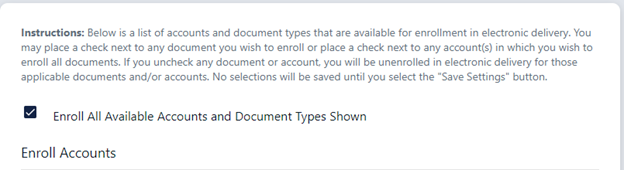
- Once you have selected your account(s), click Save Settings.
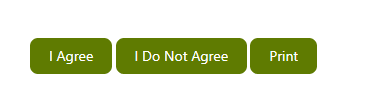
- After you click "Save Settings", An Electronic Banking Statement Disclosure and Agreement will pop up. Please read the disclosure carefully. If you would like to print a copy of this disclosure, select print before saying "I Agree". If you click "I Do Not Agree" you will not be enrolled in eStatements.